txniOS
A browser-based desktop inspired by classic Mac OS, built as a place to open windows, explore projects, and play with interface nostalgia.
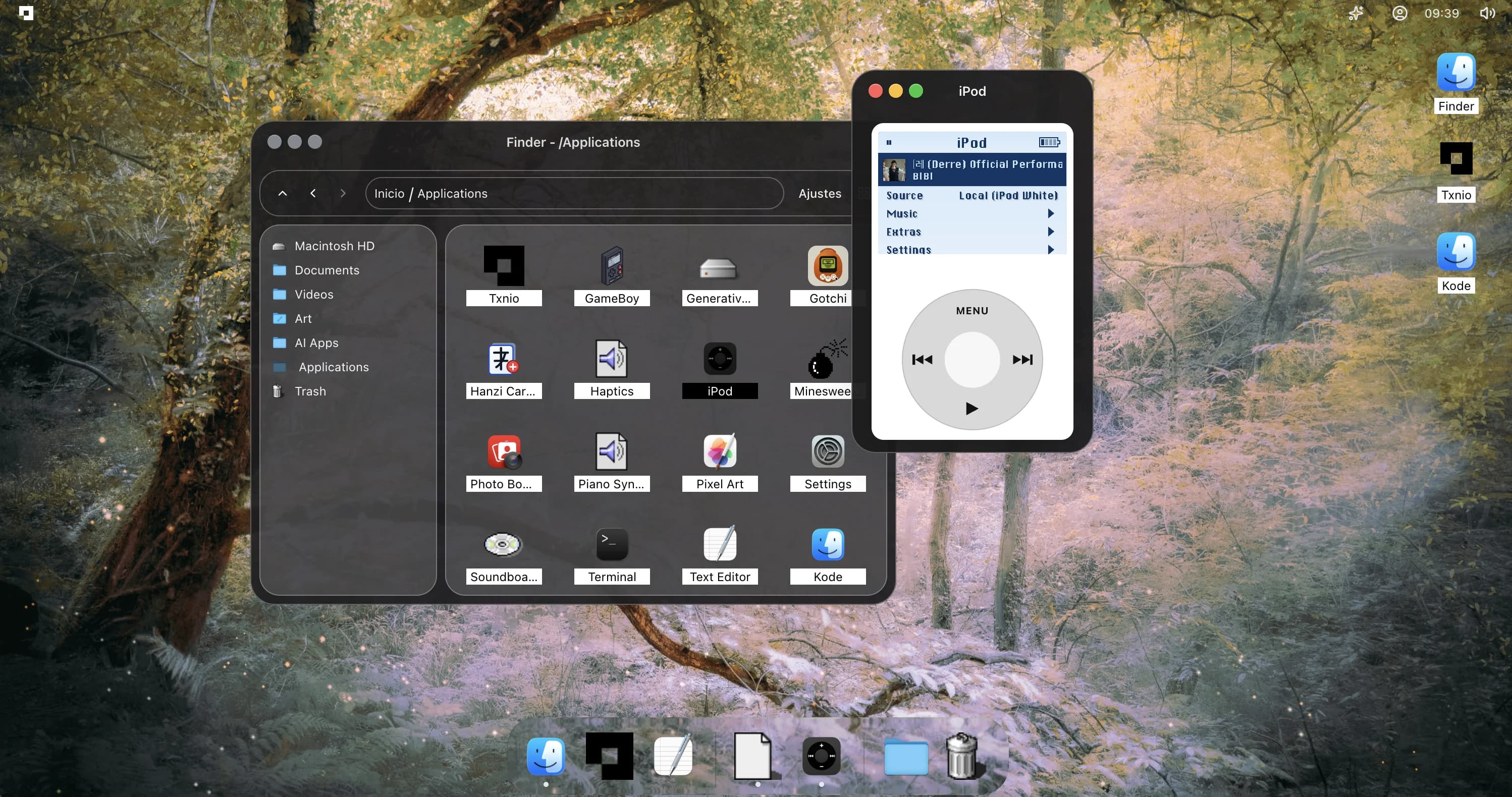
txniOS is the project that turns the portfolio into an operating-system-like space instead of a normal page. It keeps projects, contact, settings, music, and small experiments inside a desktop metaphor.
Overview
The interface starts as a familiar desktop: windows, icons, a dock, settings, and small pieces of state that make it feel alive.
The goal is not to copy an old OS perfectly, but to use that language as a way to make portfolio navigation feel exploratory.
Interaction
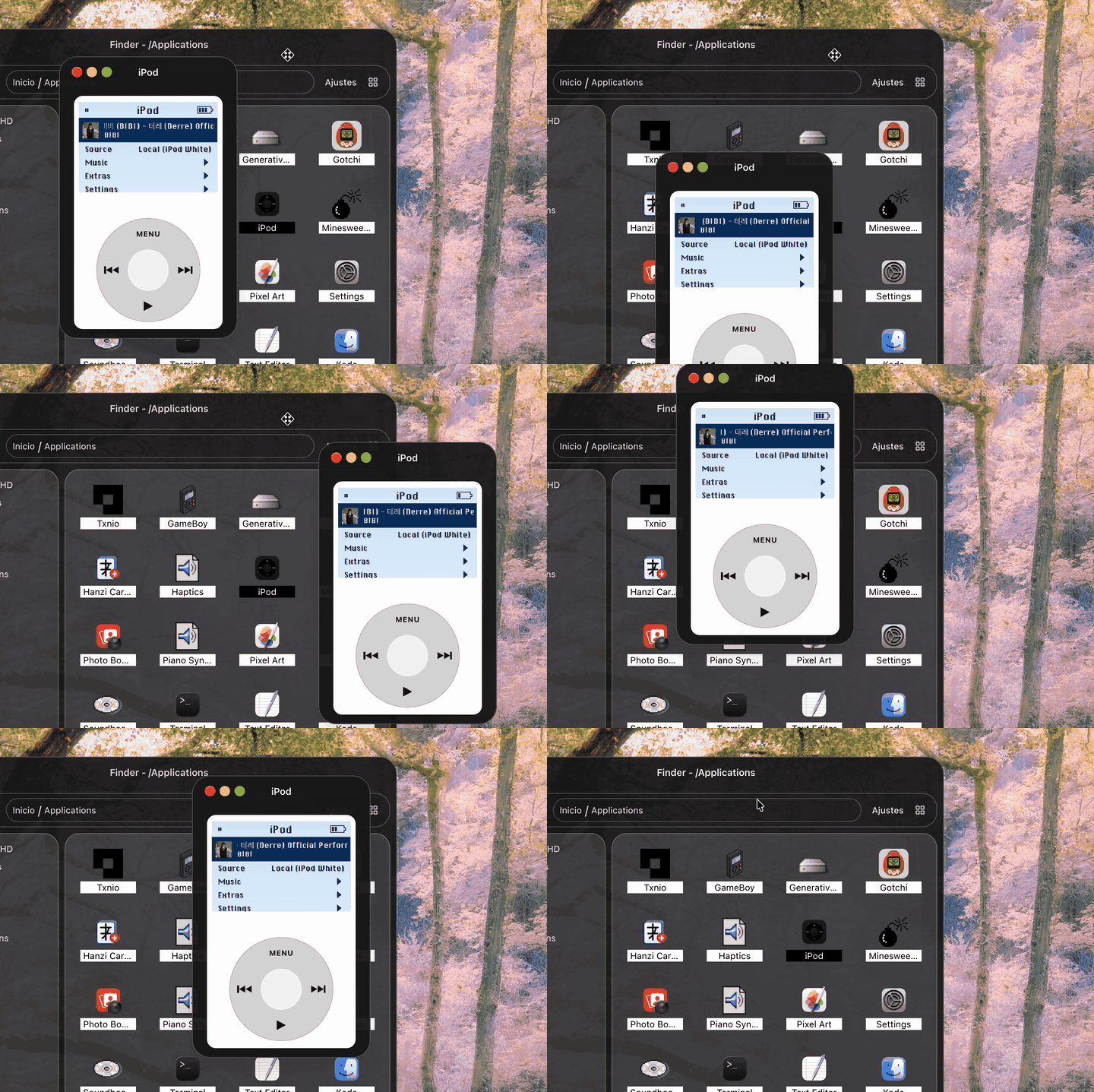
Windows can be opened, moved, and used as containers for project content. The visual details are intentionally small: pixel edges, icon states, wallpaper changes, and audio controls.
Those interactions make the project feel more like a place than a collection of links.
Implementation
The system is built with React and Next.js, with local state driving the window system and supporting components.
The important implementation constraint is keeping the playful shell responsive enough that it still works as a portfolio.
Screenshots
Visit
The explanation stays here so the project can be understood first. The live version is still available separately.