Spacio
A browser-based BIM and digital-twin viewer for exploring models, sensor data, and environmental layers in one spatial interface.
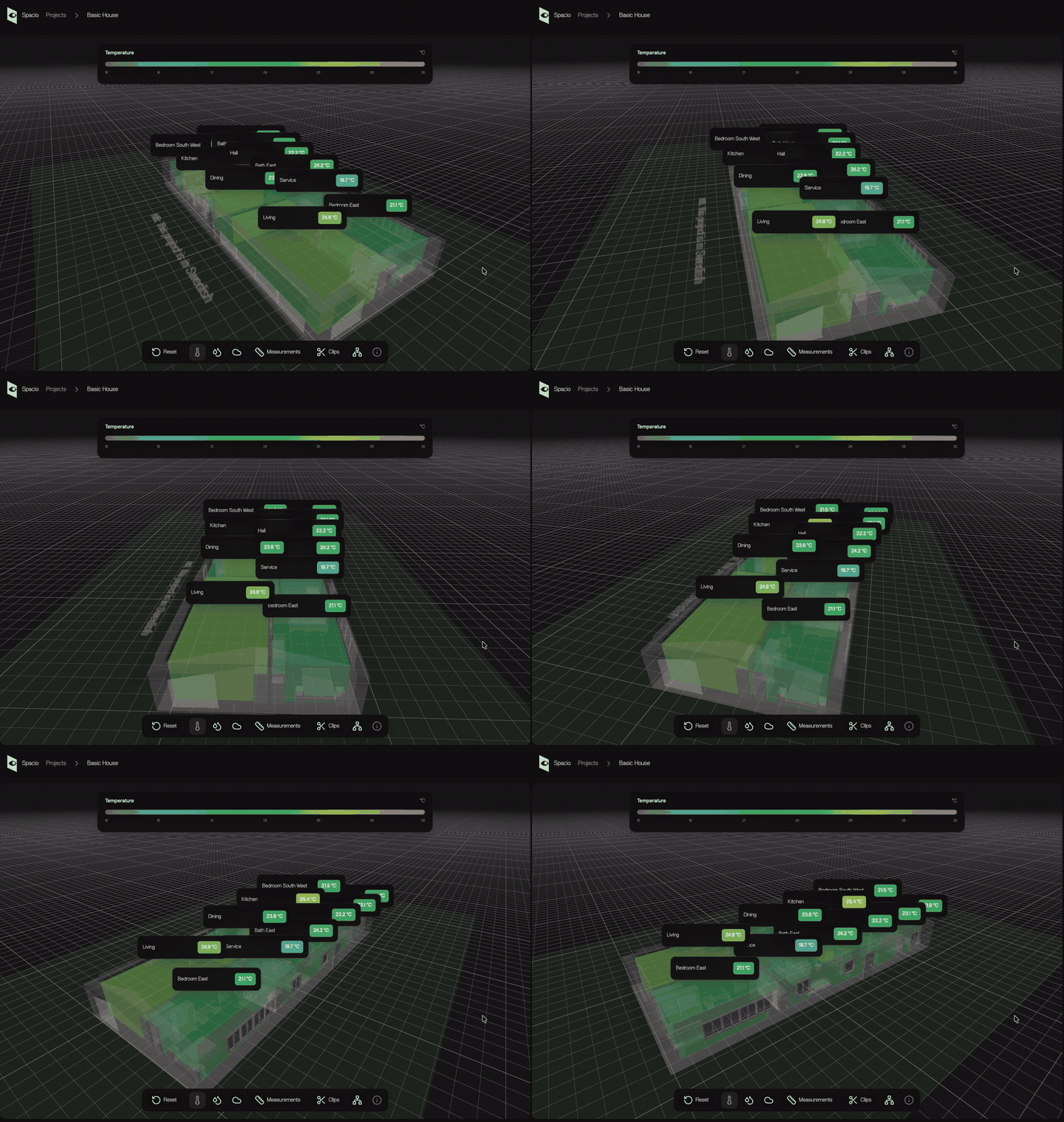
Spacio turns a building model into an explorable workspace: choose a project, inspect the 3D scene, and move between geometry, sensors, and live-style environmental views.
Overview
The entry screen keeps the project selection simple, while the viewer opens a more detailed spatial workspace for each building.
The portfolio version presents Spacio as a focused example of how complex building information can become an approachable browser interaction.
Interaction
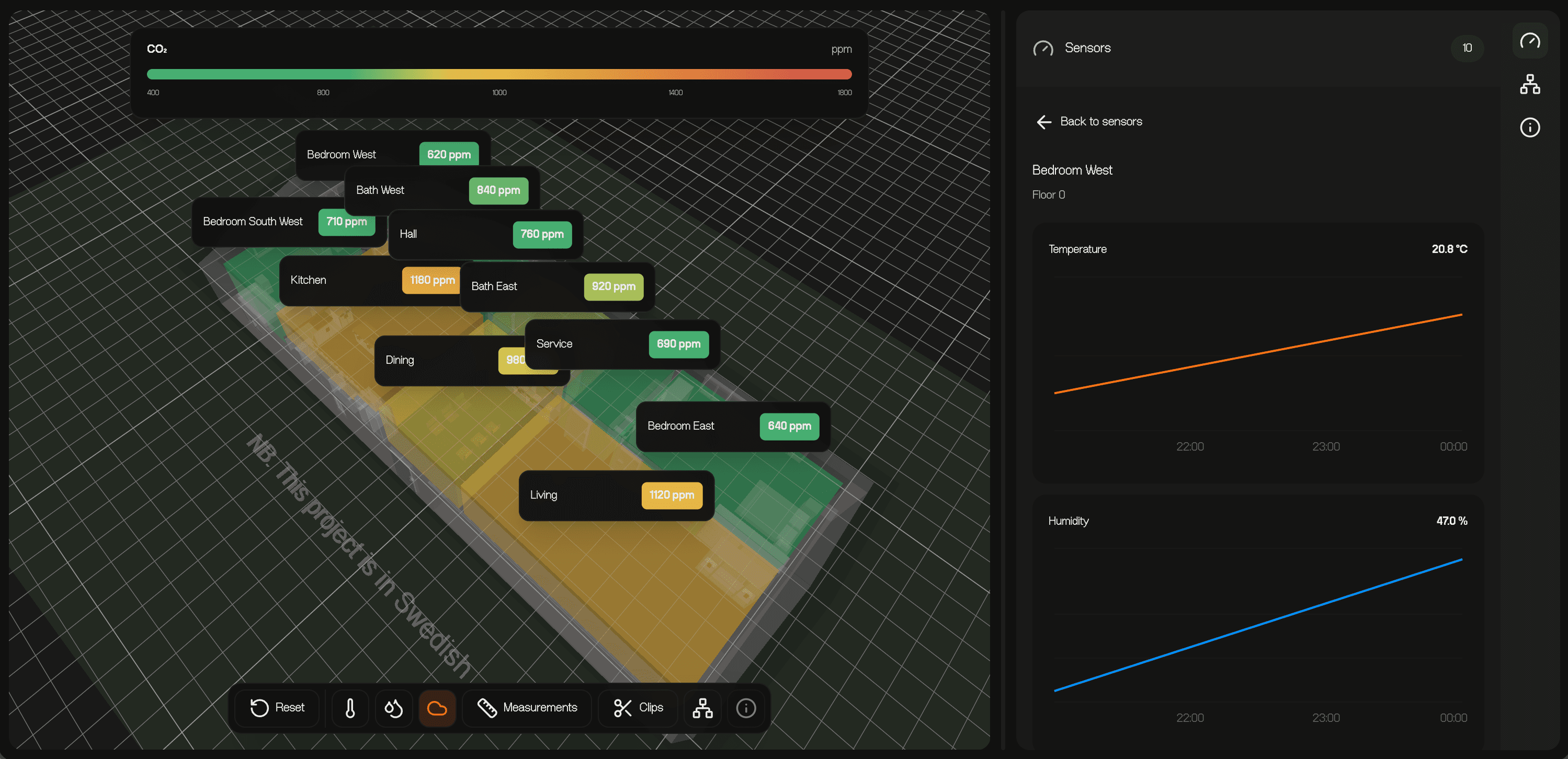
Inside a project, the viewer combines a 3D BIM model with sensor navigation, floor grouping, search, and environmental heatmap controls.
Temperature, humidity, and CO₂ layers can be switched alongside measurements, clips, and a spatial tree for different inspection modes.
Implementation
The experience is built around a browser-rendered BIM viewer with IFC model loading and a React interface for the surrounding workspace.
The important constraint is keeping the controls legible while the 3D scene remains the primary surface for understanding the building.
Screenshots

Visit
The explanation stays here so the project can be understood first. The live version is still available separately.